Utility Types in TypeScript
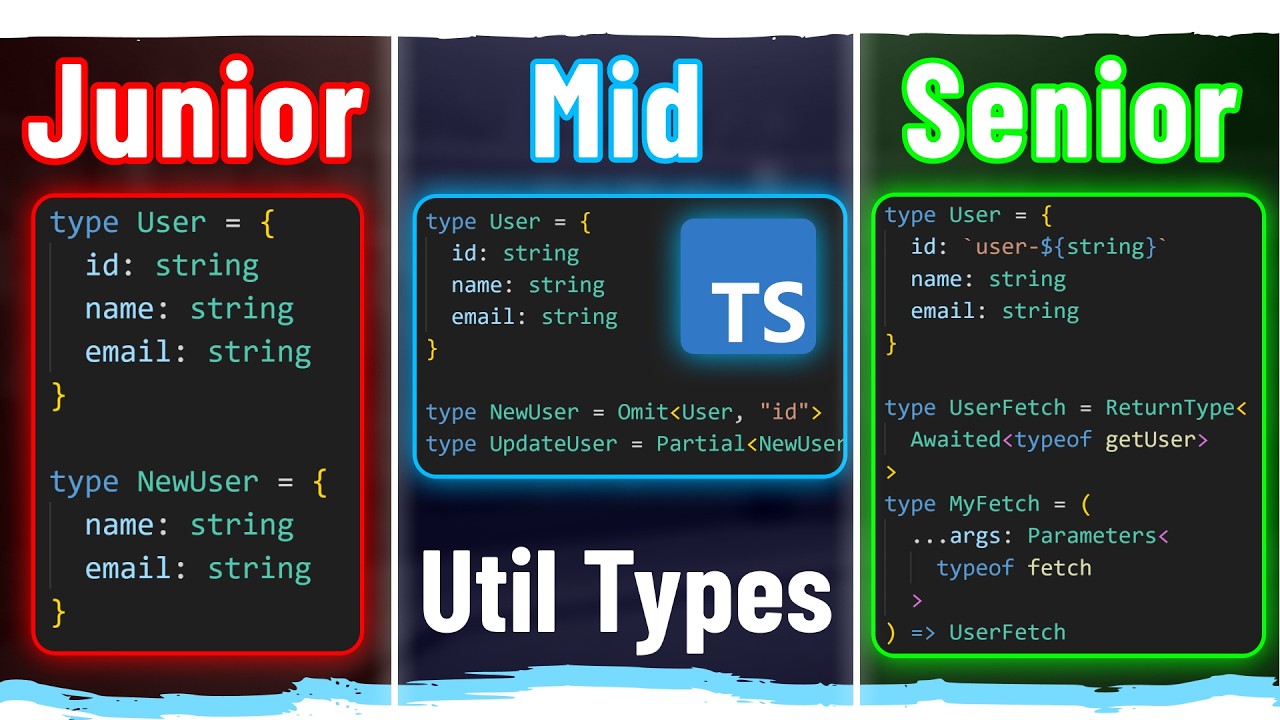
TypeScript 提供了一些內建的 Utility Types,可以幫助我們更方便地操作型別。
Utility Types
Pick
Pick Utility Type 可以從一個 Interface 中選擇一些屬性,形成一個新的 Interface。
當你只需要某個 Interface 的部分屬性時,可以使用 Pick Utility Type。
interface Todo {
    title: string;
    description: string;
    completed: boolean;
}

// 只選擇 description 和 completed 屬性
type TodoPreview = Pick<Todo, 'description' | 'completed'>;

function updateTodo(todo: Todo, fieldsToUpdate: TodoPreview) {
    return {
        ...todo,
        ...fieldsToUpdate,
    };
}

const todo1 = updateTodo(
    {
        title: 'Old Title',
        description: 'Old Description',
        completed: false,
    },
    // 只需要傳入 description 和 completed 屬性
    {
        description: 'New Description',
        completed: true,
    },
);

console.log(todo1);
Omit
Omit Utility Type 與 Pick Utility Type 相反,可以從一個 Interface 中排除一些屬性,形成一個新的 Interface。
當你只需要某個 Interface 的部分屬性時,可以使用 Omit Utility Type。
interface Todo {
    title: string;
    description: string;
    completed: boolean;
}

// 排除 description 和 completed 屬性
type TodoPreview = Omit<Todo, 'description' | 'completed'>;

function updateTodo(todo: Todo, fieldsToUpdate: TodoPreview) {
    return {
        ...todo,
        ...fieldsToUpdate,
    };
}

const todo1 = updateTodo(
    {
        title: 'Old Title',
        description: 'Old Description',
        completed: false,
    },
    // 只需要傳入 title 屬性
    {
        title: 'New Title',
    },
);

console.log(todo1);
Partial
Partial Utility Type 可以將一個 Interface 的所有屬性都轉換為可選的 (optional)。
當你只需要某個 Interface 的部分屬性時,可以使用 Partial Utility Type。
interface Todo {
    title: string;
    description: string;
    completed: boolean;
}

// 將所有屬性都轉換為可選的
function updateTodo(todo: Todo, fieldsToUpdate: Partial<Todo>) {
    return {
        ...todo,
        ...fieldsToUpdate,
    };
}

const todo1 = updateTodo(
    {
        title: 'Old Title',
        description: 'Old Description',
        completed: false,
    },
    // 只需要傳入 title 和 description 屬性
    {
        title: 'New Title',
        description: 'New Description',
    },
);

console.log(todo1);
Required
Required Utility Type 可以將一個 Interface 的所有屬性都轉換為必填的 (required)。
Interface 有些屬性可能為可選的 (optional),使用 Required Utility Type 可以將這些可選的屬性轉換為必填的。
interface Todo {
    title: string;
    // description 是可選的
    description?: string;
    completed: boolean;
}

// 將所有屬性都轉換為必填的
function updateTodo(todo: Todo, fieldsToUpdate: Required<Todo>) {
    return {
        ...todo,
        ...fieldsToUpdate,
    };
}

const todo1 = updateTodo(
    {
        title: 'Old Title',
        description: 'Old Description',
        completed: false,
    },
    // 只需要傳入 title 和 description 屬性
    {
        title: 'New Title',
        // description 變成必填的
        description: 'New Description',
        completed: true,
    },
);

console.log(todo1);
Readonly
Readonly Utility Type 可以將一個 Interface 的所有屬性都轉換為只讀的 (readonly)。
當你只需要某個 Interface 的部分屬性時,可以使用 Readonly Utility Type。
interface Todo {
    title: string;
    description: string;
    completed: boolean;
}

type T = Readonly<Todo>;

const todo1: T = {
    title: 'Old Title',
    description: 'Old Description',
    completed: false,
};

// 下面這行會出現錯誤,因為 title 是只讀的
// Cannot assign to 'title' because it is a read-only property.(2540)
todo1.title = 'New Title';
Record
Record Utility Type
type User = {
    id: string;
    name: string;
    age: number;
};

// 建立一個 key-value pair 的 type,key 是 string,value 是 User
type T = Record<string, User>;

const a: T = {
    '1_allen': {
        id: '1',
        name: 'Allen',
        age: 25,
    },
    '2_bob': {
        id: '2',
        name: 'Bob',
        age: 30,
    },
};

// 建立一個 key-value pair 的 type,key 是 "admin" 或 "user",value 是 User
type U = Record<'admin' | 'user', User>;

const b: U = {
    admin: {
        id: '1',
        name: 'Allen',
        age: 25,
    },
    user: {
        id: '2',
        name: 'Bob',
        age: 30,
    },
};
Extract
可以從 Type 中提取出符合條件的 Type。
type Role = 'admin' | 'user' | 'guest';
type Permission = 'read' | 'write' | 'delete';
type OtherRole = 'testing' | 'admin' | 'user' | 'guest' | 'moderator';

type AdminRole = Extract<Role, 'admin'>;
type UserPermission = Extract<Permission, 'read' | 'write'>;
// 類似交集,只提取 Role 在 OtherRole 中的共通部分
type T = Extract<Role, OtherRole>;
Exclude
可以從 Type 中排除出不符合條件的 Type。
type Role = 'admin' | 'user' | 'guest';
type Permission = 'read' | 'write' | 'delete';
type OtherRole = 'testing' | 'admin' | 'user' | 'guest' | 'moderator';

type AdminRole = Exclude<Role, 'admin'>;
type UserPermission = Exclude<Permission, 'read' | 'write'>;
// 類似差集,排除 Role 在 OtherRole 中的共通部分
type T = Exclude<Role, OtherRole>;
ReturnType
ReturnType Utility Type 可以從一個 Function Type 中提取出返回值的 Type。
function getUser() {
    return { id: 1, name: 'Allen', age: 25 };
}

type T = ReturnType<typeof getUser>;

const user: T = {
    id: 1,
    name: 'Allen',
    age: 25,
};
Parameters
Parameters Utility Type 可以從一個 Function Type 中提取出參數的 Type。
當你有一個函式的參數想參照其他函式的參數時,可以使用 Parameters Utility Type。
function getUser(id: number) {
    return { id, name: 'Allen', age: 25 };
}

type T = Parameters<typeof getUser>;

const id: T = [1];
ConstructorParameters
ConstructorParameters Utility Type 可以從一個 Class 中提取出建構子的參數的 Type。
class User {
    constructor(
        public id: number,
        public name: string,
        public age: number,
    ) {}
}

type T = ConstructorParameters<typeof User>;

const user: T = [1, 'Allen', 25];
InstanceType
有點莫名其妙的 Utility Type
InstanceType Utility Type 可以從一個 Class 中提取出建構子的返回值的 Type。
class User {
    constructor(
        public id: number,
        public name: string,
        public age: number,
    ) {}
}

type T = InstanceType<typeof User>;
// 上面這一句等同於下面這一句,所以 InstanceType 是用途有點微妙的 Utility Type
type T = User;
NonNullable
NonNullable Utility Type 可以從一個 Type 中排除出 null 和 undefined 的 Type。
type A = string | number | null | undefined;

// T 會排除掉 null 和 undefined,只剩下 string | number
type T = NonNullable<A>;
Awaited
Awaited Utility Type 可以從一個 Promise Type 中提取出返回值的 Type。
function getUser() {
    return Promise.resolve({ id: 1, name: 'Allen', age: 25 });
}

// T 會提取出 Promise 的返回值的 Type
// type T = { id: number; name: string; age: number }
type T = Awaited<ReturnType<typeof getUser>>;
字串相關的 Utility Type
type T = Uppercase<'hello'>; // "HELLO"
type T = Lowercase<'HELLO'>; // "hello"
type T = Capitalize<'hello'>; // "Hello"
type T = Uncapitalize<'Hello'>; // "hello"